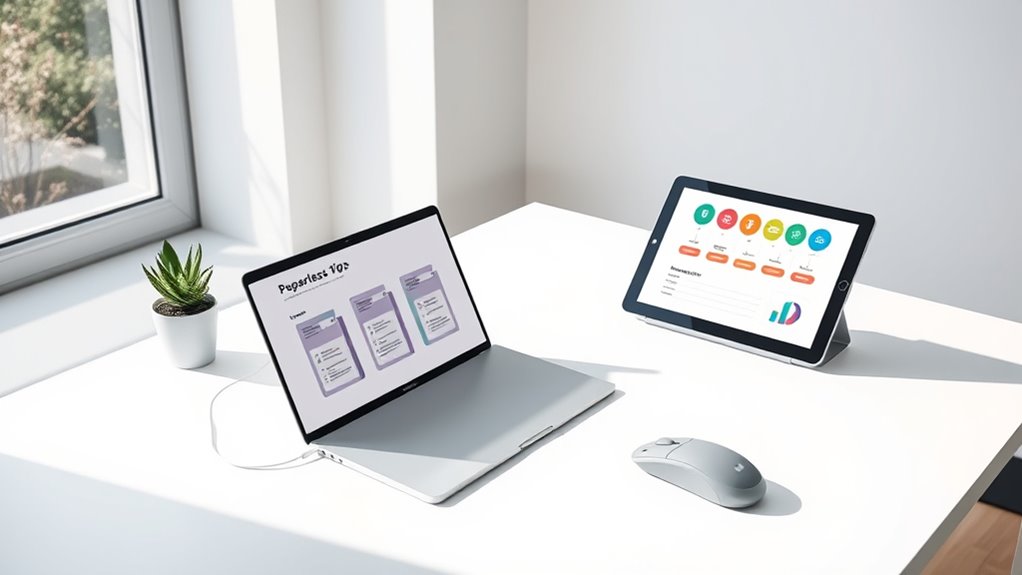
To go paper-free, start by organizing your digital files with clear folders and consistent naming. Use reliable cloud storage like Google Drive or Dropbox to save important documents and set up filters to automatically sort incoming emails. Regularly delete or archive unnecessary messages and files to keep your digital space tidy. Dedicate a little time each week to maintain your system. Keep going, and you’ll discover more simple strategies to simplify your digital life.
Key Takeaways
- Scan and digitize paper documents using a reliable scanner or mobile app, then delete the paper copies.
- Organize digital files in clearly labeled folders for easy access and future reference.
- Use cloud storage services like Google Drive or Dropbox to securely store and access documents anywhere.
- Set up automatic email filters to manage digital correspondence and reduce paper-based clutter.
- Regularly review and delete outdated digital files to maintain an organized, paper-free environment.
In today’s digital age, clutter isn’t just in your physical space—it’s also lurking on your devices. Your email inbox can quickly become overwhelming, filled with endless messages, newsletters, and notifications that make it hard to find what matters. To tackle this, start with email organization. Create folders or labels for different categories like work, personal, bills, and receipts. Regularly delete or archive emails you no longer need, and unsubscribe from newsletters that no longer serve you. This way, your inbox stays manageable, and you can focus on important messages without distraction.
Alongside email organization, consider how you store and access your files. Cloud storage is a game-changer for digital decluttering. Instead of scattering documents across multiple devices or saving everything on your hard drive, upload files to a reliable cloud service like Google Drive, Dropbox, or OneDrive. Not only does this free up space on your device, but it also makes your files accessible from anywhere. Organize your cloud storage with clear folders and naming conventions so you can find documents quickly when you need them. Regularly review and delete outdated files to prevent clutter from building up again. Additionally, understanding how to manage digital storage effectively can help prevent data overload and improve your digital environment.
Adopting these habits simplifies your digital life and reduces stress. When your email and cloud storage are well-organized, you spend less time searching for files or deciphering unread messages, which boosts your productivity. Plus, maintaining a clean digital environment can improve your device’s performance because less clutter means less data to process. It’s a simple yet effective way to stay on top of your digital world.
Remember, consistency is key. Dedicate a few minutes each day or week to clear out unnecessary emails and files. Use filters and rules to automatically sort incoming messages, so your inbox stays tidy without extra effort. For cloud storage, set aside time to review and delete files that no longer serve a purpose, ensuring your storage remains streamlined. These small habits accumulate over time, making a significant difference in your digital clutter.
In essence, digital decluttering through effective email organization and strategic use of cloud storage creates a more efficient, less stressful online environment. You’ll find it easier to focus on what truly matters and enjoy a more streamlined digital experience. The effort you put into maintaining order today will pay off with a cleaner, calmer digital space tomorrow.

Epson Workforce ES-50 Compact & Lightweight Mobile Document Scanner
- Portability: Lightweight, mobile document scanner
- Fast Scanning: Single page in 5.5 seconds
- Compatibility: Windows and Mac compatible
As an affiliate, we earn on qualifying purchases.
As an affiliate, we earn on qualifying purchases.
Frequently Asked Questions
How Often Should I Review My Digital Files for Clutter?
You should review your digital files at least once a month to keep clutter under control. During these reviews, focus on email organization and cloud storage management, deleting unnecessary emails and files. Regular checks help you stay organized, prevent storage from filling up, and make finding important documents easier. Setting a monthly reminder guarantees you stay consistent, making digital decluttering a simple, manageable routine that keeps your digital space clean and efficient.
What Are the Best Tools for Digital Decluttering?
Oh, because your digital chaos isn’t enough, you need tools too? Try cloud storage services like Google Drive or Dropbox—they make access easy and sync seamlessly. For file naming, adopt clear, consistent labels to avoid endless searches. Use apps like FileOptimizer or CleanMyDrive to automate decluttering. These tools help keep your files organized, decluttered, and, dare I say, somewhat manageable in this digital jungle.
How Do I Organize Digital Documents for Easy Access?
You should start by using cloud storage to keep your digital documents accessible and secure. Organize files into clearly labeled folders, and use consistent file naming conventions so you can quickly find what you need. Regularly review and delete outdated files, and consider creating subfolders for specific categories. This approach helps streamline access, reduces clutter, and keeps your digital workspace efficient.
How Can I Ensure My Digital Security During Decluttering?
To guarantee your digital security during decluttering, prioritize strong password management and cloud security. Use unique, complex passwords for each account and consider a password manager to keep track. Enable two-factor authentication whenever possible. Regularly review your cloud storage settings, making sure your data is private and protected. Keep your software updated, and avoid suspicious links or downloads. These steps help safeguard your information while you streamline your digital space.
What Are Common Digital Clutter Mistakes to Avoid?
You should avoid common digital clutter mistakes like neglecting email management and skipping social media cleanup. Don’t let your inbox overflow or hold onto unnecessary emails; instead, regularly delete or archive them. Also, unfollow or unfriend accounts you no longer engage with. These habits keep your digital space organized, reduce stress, and make it easier to find what you need quickly. Staying proactive prevents clutter from piling up.

Google Drive
- Secure cloud storage: Access files anywhere with Google Drive
As an affiliate, we earn on qualifying purchases.
As an affiliate, we earn on qualifying purchases.
Conclusion
By embracing digital decluttering, you free yourself from the chaos of paper clutter and create space for what truly matters. Just like clearing a cluttered room brings peace, going paper-free brings clarity and calm to your life. So, take control today—transform your digital space and let simplicity be your guiding light. After all, isn’t life better when it’s less cluttered and more focused? Start decluttering now and enjoy the serenity that follows.

Cold Email: The Solopreneur's Playbook for Booking Meetings in the Era of AI Filters, Deliverability Rules, and Inbox Triage
As an affiliate, we earn on qualifying purchases.
As an affiliate, we earn on qualifying purchases.
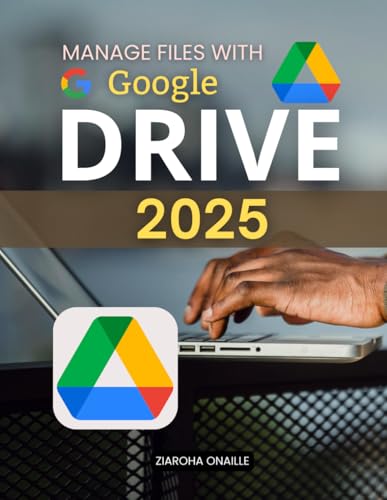
Manage Files with Google Drive 2025: Master Modern File Organization And Collaboration With Practical Cloud Storage Tools Security Essentials And Productivity Strategies For Everyday Digital Success
As an affiliate, we earn on qualifying purchases.
As an affiliate, we earn on qualifying purchases.