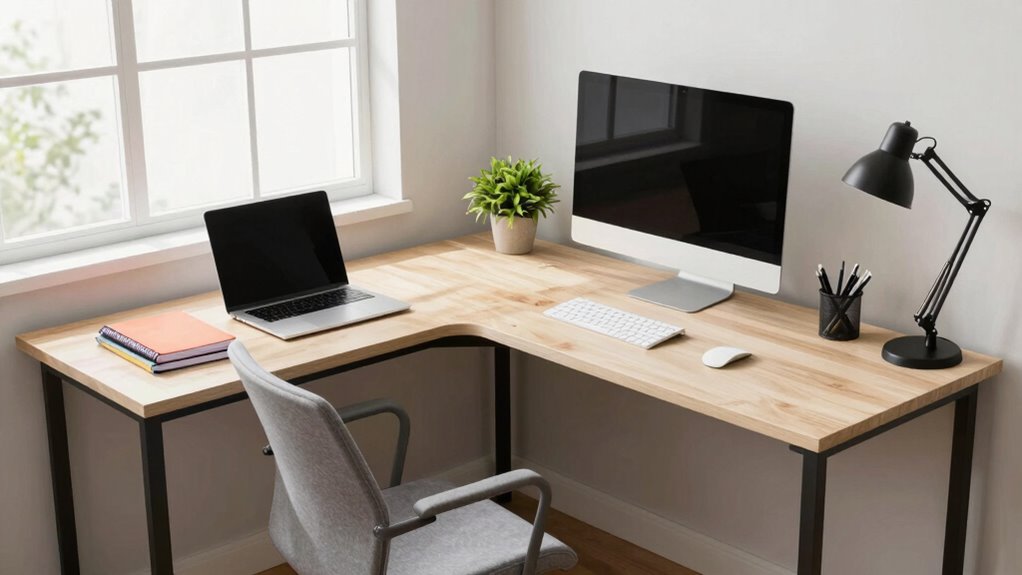
To optimize your L-shaped desk for better workflow, position your main monitor directly in front at eye level and keep your keyboard and mouse within easy reach to promote good posture. Use the secondary surface for less-used items like reference materials or extra monitors, keeping your workspace clutter-free. Organize cables neatly with clips and trays, and incorporate ergonomic accessories for comfort. Proper lighting and thoughtful layout can reduce eye strain and boost productivity—stick with it to discover more tips.
Key Takeaways
- Position the main monitor at eye level in the primary workspace for ergonomic comfort and minimal neck strain.
- Use the secondary surface for less-accessed items, keeping essential tools within arm’s reach to boost efficiency.
- Arrange cables neatly with clips or trays to prevent clutter and facilitate easy adjustments.
- Incorporate adjustable lighting to reduce eye strain and improve focus across both work zones.
- Place ergonomic accessories like wrist rests and foot supports to enhance comfort during long work sessions.
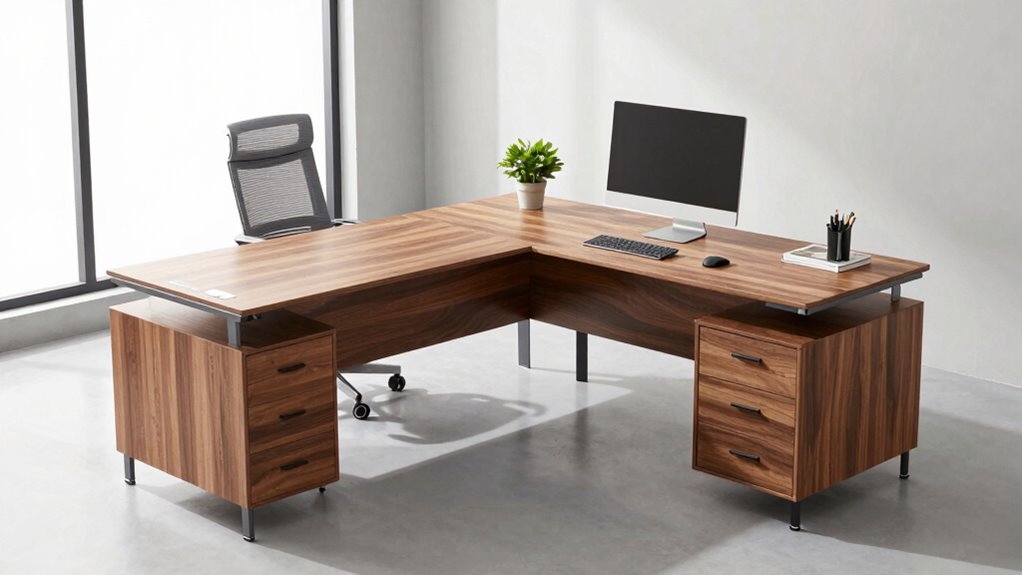
Are you unsure how to effectively arrange your L-shaped desk to maximize space and comfort? The key lies in thoughtful planning that emphasizes ergonomic positioning and smart cable management. When you set up your workspace correctly, you’ll reduce strain, improve productivity, and create a more inviting environment. To start, consider the placement of your main work area. Position your primary monitor directly in front of you at eye level to prevent neck strain. Your keyboard and mouse should be within easy reach, with your elbows bent at about a 90-degree angle, promoting ergonomic positioning. This setup minimizes fatigue and encourages good posture throughout the day.
Next, think about the secondary surface of your L-shaped desk. It’s ideal for items you need less frequently, like reference materials, additional monitors, or storage. Place these items so they’re easily accessible without cluttering your main workspace. By keeping your essential tools within arm’s reach, you maintain an efficient workflow and avoid unnecessary stretching or twisting, which can lead to discomfort over time. Incorporating effective workspace layout strategies can further optimize your setup for comfort and efficiency. Additionally, considering the lighting conditions in your workspace can help reduce eye strain and improve focus during long work sessions. Adjusting lighting to suit your needs can also influence your overall productivity.
Cable management is another vital aspect. As you arrange your desk, plan for how you’ll organize cords and wires. Use cable clips, sleeves, or under-desk trays to keep everything tidy. This not only looks better but also prevents accidental disconnections and tripping hazards. Proper cable handling also allows you to adjust your setup easily if needed, without having to untangle a mess of wires. Keep power strips close but out of sight to minimize clutter and ensure easy access to outlets. Routing cables behind your desk or along the edges helps create a clean, streamlined appearance, boosting both safety and aesthetics. Additionally, incorporating ergonomic accessories can significantly enhance your comfort during long work sessions.

WALI Computer Monitor Stand for Desk, Adjustable Laptop Riser, Desk Monitor Stand Underneath Storage for Office, Home, School Supplies (STT003), 1 Pack, Black
Design: The monitor stand for the desk has a large 14.6 x 9.3 inches metal shelf that fits…
As an affiliate, we earn on qualifying purchases.
As an affiliate, we earn on qualifying purchases.
Frequently Asked Questions
How Do I Choose the Best Location for My L-Shaped Desk?
Choose a location with ample natural light to boost your productivity and consider your decor placement to create an inspiring workspace. Position your L-shaped desk near windows or light sources, avoiding glare on screens. Think about lighting options—use adjustable lamps for flexibility. Keep your decor within reach to personalize your space without clutter. This setup helps you stay focused, comfortable, and motivated throughout your workday.
What Are the Ideal Dimensions for an L-Shaped Desk?
Your ideal L-shaped desk should be around 60-72 inches on each side, creating a workspace the size of a small castle. Choose material options like wood, metal, or glass to match your aesthetic style—modern, rustic, or minimalist. These dimensions provide ample room for your essentials, boosting productivity and comfort. Remember, the right size transforms your workspace into a powerhouse of efficiency and creativity.
How Can I Maximize Storage With an L-Shaped Desk?
To maximize storage on your L-shaped desk, add decorative accessories like stylish organizers and desk trays to keep essentials tidy. Incorporate lighting solutions such as under-shelf LED strips or desk lamps with storage compartments to enhance visibility and functionality. Use corner shelves or modular drawers to utilize often-overlooked spaces efficiently. This setup helps keep your workspace organized, clutter-free, and visually appealing, boosting your productivity and workspace comfort.
What Ergonomic Tips Should I Consider When Arranging My Desk?
To improve ergonomics, start by choosing an ergonomic chair that supports your posture. Position your monitor at eye level to reduce neck strain, ensuring it’s directly in front of you. Keep your keyboard and mouse within easy reach to prevent shoulder tension. Adjust the desk height so your elbows are at a 90-degree angle and your feet are flat on the floor. Regular breaks also help maintain comfort and prevent fatigue.
How Do I Cable Manage Effectively With an L-Shaped Layout?
You might think cable management is tricky with an L-shaped desk, but studies show organized cables boost productivity. Start by investigating the best cable organization methods—use clips, sleeves, or under-desk trays. Place your power strip centrally or near your main device station to reduce clutter. Route cords along the edges and secure them neatly, avoiding tangles. This setup keeps your workspace tidy, safe, and efficient.

KHAMAL Cable Management Under Desk 26PCS – Cable Management Tray Kit Ventilated Hexagonal Design with Cable Clips, Wire Ties, Cord Holder & Screws for Office, Home (Black)
Durable & Heavy-Duty Build – KHAMAL cable management under desk is made from sturdy metal with a scratch-resistant…
As an affiliate, we earn on qualifying purchases.
As an affiliate, we earn on qualifying purchases.
Conclusion
And there you have it! With the perfect L-shaped desk layout, you’ll be unstoppable—like a superhero armed with every tool at your fingertips, ready to conquer your workload in record time. Say goodbye to chaos and hello to seamless efficiency. Your workspace is now a powerhouse of productivity, where every inch is optimized for success. Get ready to crush your goals and leave clutter in the dust—your new layout is your secret weapon!

Airlonv LED Desk Lamp for Office Home, Eye-Caring Desk Light with Stepless Dimming Adjustable Flexible Gooseneck, 10W USB Adapter Desk Lamp with Clamp for Reading, Study, Workbench (Black)
Stepless Dimming Mode: The desk light offers effortless switching of color temperatures (2700K-6500K) and stepless dimming (1% -…
As an affiliate, we earn on qualifying purchases.
As an affiliate, we earn on qualifying purchases.
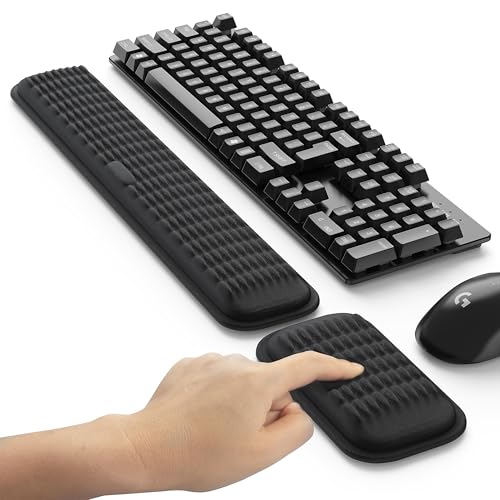
MEKASS Ergonomic Wrist Rest for Keyboard and Mouse, Soft Memory Foam Keyboard Wrist Rest Set with Non-Slip Silicone Base, Easy Typing, Pain Relief, Comfort for Office, Work, Gaming (Classic Black)
MASSAGE PATTERN DESIGN: The keyboard wrist rest set features a unique massage pattern design, which helps your hands…
As an affiliate, we earn on qualifying purchases.
As an affiliate, we earn on qualifying purchases.