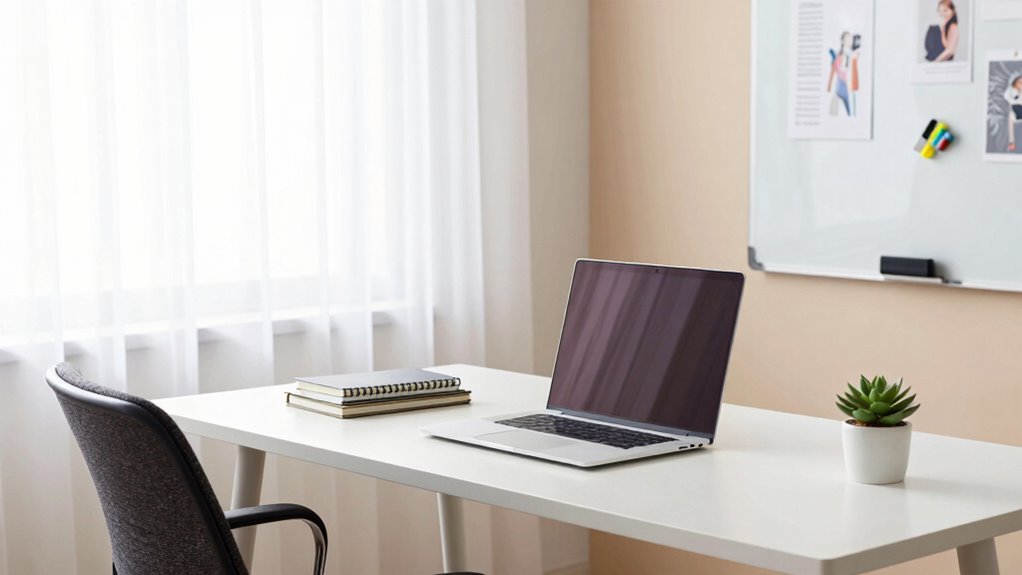

To organize your home office for better focus, start with ergonomic furniture that supports good posture and reduces fatigue. Keep your desk tidy by using cable management tools, storage solutions, and designated zones for different tasks. Maximize natural light and add adjustable lamps to minimize eye strain. Regularly maintain and declutter your space to prevent distractions. With these tips, you’ll create a workspace that promotes alertness and productivity—learn more to perfect your setup.

Get furniture and decor delivered free with Prime
- Fast, free delivery on millions of items
- Prime Video, Amazon Music and more included
- Member-only deals all year
Key Takeaways
- Invest in ergonomic furniture to promote good posture and reduce fatigue during long work sessions.
- Use cable management tools and designated zones to keep your workspace tidy and visually clutter-free.
- Keep essential supplies within reach and store non-essentials to minimize distractions.
- Maximize natural light and add adjustable lighting to reduce eye strain and create a welcoming environment.
- Regularly declutter, adjust furniture, and maintain organization routines to sustain a focus-friendly workspace.
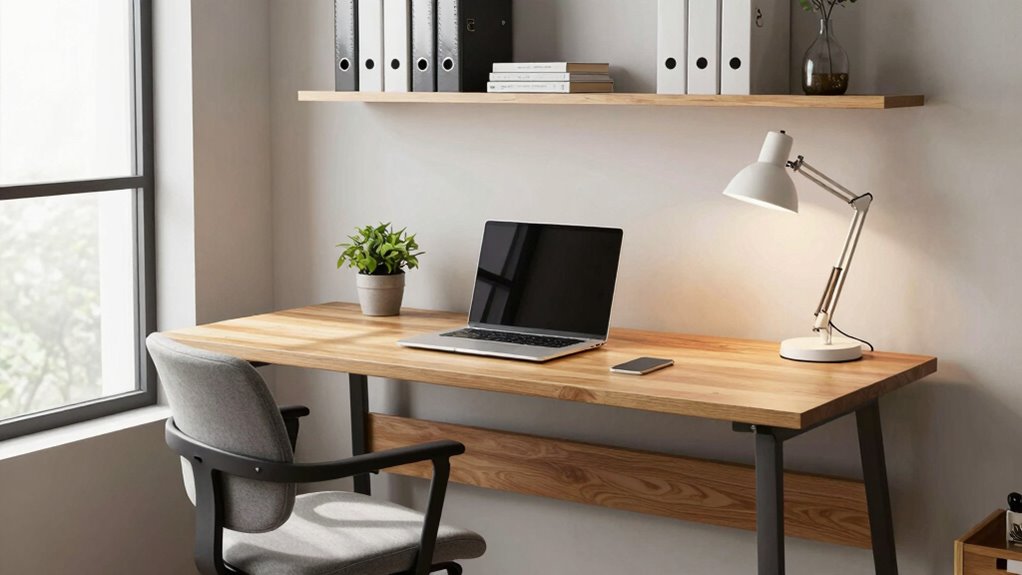
Creating an organized home office can boost your productivity and reduce stress, especially as work and personal spaces blend. When your environment feels cluttered or uncomfortable, it’s harder to focus and stay motivated. One of the first steps is investing in ergonomic furniture. Comfortable, supportive chairs and desks designed with your body in mind can prevent strain and fatigue, helping you stay attentive during long work sessions. An ergonomic setup encourages good posture, reducing aches that can distract you from your tasks. When your furniture fits well and feels right, you’ll find yourself naturally more focused and efficient.
Creating an ergonomic workspace boosts focus, reduces fatigue, and makes long work sessions more comfortable and efficient.
Next, pay attention to cable management. Tangled cords and wires scattered across your workspace not only look messy but can also cause accidents or damage to your equipment. Use cable clips, sleeves, or under-desk trays to organize and hide cords. This simple step clears your desk surface, making it easier to find what you need and reducing visual clutter. Proper cable management also makes it easier to move or upgrade devices without dealing with a tangled mess afterward. When your workspace is tidy, your mind feels less overwhelmed, and you’re more likely to stay engaged in your work. Additionally, considering multi-unit setups for your devices can streamline your workspace and improve efficiency. Incorporating efficient space utilization strategies can maximize your limited area and keep your setup functional. Regularly assessing your layout and adjusting it to new needs can help maintain a productive environment, and implementing organizational tools can further enhance your workflow.
Beyond furniture and cables, organizing your supplies is essential. Keep only essential items within arm’s reach and store everything else in drawers or containers. Use labels to identify where things go so you can quickly locate supplies without wasting time searching. A clean, well-organized space minimizes distractions and helps you maintain a steady workflow. Additionally, a well-thought-out workspace can benefit from appropriate storage solutions, which can further reduce clutter and improve accessibility. Consider setting up designated zones for different tasks—like a specific area for computer work, reading, or brainstorming. This physical separation helps your mind switch gears smoothly, improving focus.
Lighting plays a significant role in your productivity as well. Maximize natural light and supplement with adjustable lamps to reduce eye strain and boost alertness. Avoid harsh overhead lighting that causes glare. When your environment feels bright and welcoming, it’s easier to stay attentive and motivated throughout the day. Creating an environment with proper lighting can also help prevent headaches and fatigue, supporting sustained concentration. Maintaining consistent lighting conditions can also reduce eye fatigue caused by frequent adjustments.
Finally, establish a routine for maintaining your home office. Regularly declutter, tidy cables, and adjust ergonomic furniture to suit your needs. A consistent upkeep routine prevents clutter from building up again, ensuring your workspace remains a sanctuary for focus. When your home office is well-organized, comfortable, and free of distractions, you’re setting yourself up for better concentration, higher productivity, and a more enjoyable work experience.
Products Worth Considering

Philips Hue Play Floor Lamp, RGBWWIC LED, 53 Inch, Black

eufy Security SoloCam S340 3K Dual-Lens Solar Security Camera

Ring Battery Doorbell Plus (2nd Gen) and Chime Plus Bundle, Nickel Silver and White
As an affiliate, we earn on qualifying purchases.
Frequently Asked Questions
How Can I Optimize Lighting for Better Concentration?
To optimize lighting for better concentration, you should maximize natural light by positioning your desk near windows and using sheer curtains to reduce glare. Supplement with task lighting, like a focused desk lamp, to illuminate specific work areas without causing eye strain. Adjust the brightness to match your needs and avoid harsh, uneven lighting. Proper lighting minimizes fatigue, boosts alertness, and helps you stay focused throughout your work sessions.
What Are the Best Plants for a Home Office?
Did you know that indoor greenery can boost productivity by up to 15%? In your home office, choose plants like snake plants, pothos, or peace lilies for ideal air purification and aesthetics. These plants are easy to care for and improve air quality, helping you stay focused. Incorporating them into your workspace not only enhances ambiance but also supports your well-being and concentration throughout the day.
How Do I Reduce Noise Distractions Effectively?
To reduce noise distractions effectively, you should use soundproofing techniques like adding weatherstripping to doors and sealing gaps. Incorporate noise-canceling devices such as headphones or white noise machines to block out background sounds. These strategies create a quieter environment, helping you stay focused. Combining physical soundproofing with electronic noise reduction guarantees minimal interruptions, so you can concentrate better on your tasks and boost your productivity.
What Ergonomic Furniture Improves Comfort and Focus?
Sure, because sitting on a throne of discomfort sounds like a productivity booster, right? Invest in an ergonomic chair that supports your spine and reduces fatigue, turning your workday into a royal affair. Pair it with an adjustable desk to switch between sitting and standing—because a static throne isn’t just uncomfortable, it’s unproductive. These furniture choices improve comfort and focus, making your home office feel more like a palace and less like a pain.
How Often Should I Declutter My Home Office?
You should declutter your home office at least once a month to maintain a focused environment. Establish a decluttering schedule that fits your routine, and use effective storage solutions like bins, shelves, or drawer organizers to keep things tidy. Regular decluttering prevents clutter buildup, helps you stay organized, and makes it easier to find what you need quickly. Staying consistent guarantees your workspace remains productive and inviting.
Conclusion
By implementing these organization tips, you’ll create a home office that boosts focus and productivity. Remember, a clutter-free space isn’t just about aesthetics—it’s about making your workday smoother and more efficient. If you worry about the time investment, start small—tackle one area at a time. Over time, you’ll see how a thoughtfully organized space enhances your work quality and reduces stress, proving that a well-structured home office truly makes all the difference.